Your pet doesn’t carry a wallet, can’t recite your phone number, and definitely won’t explain where they live to a stranger. If your buddy slips out, identification and documentation make the difference between a fast reunion and a long, stressful search. Let’s make sure you stack the deck in your favor with gear and habits that actually work.
Spoiler: it’s easier than you think—and way cheaper than printing “missing” flyers at 2 a.m.
Why Pet ID Isn’t Optional (It’s Essential)
You lock your doors. You buckle your seatbelt. You give your pet an ID.
Same vibe. Even indoor pets bolt during deliveries, fireworks, or a rogue squirrel sighting. Good ID does three things:
- Proves ownership fast and clean.
- Speeds up reunions without red tape or shelter transfers.
- Protects your pet during emergencies or natural disasters.
Miss just one piece? You risk delays, lost time, and unnecessary shelter stays.
IMO, that’s a hard no.
The Big Three: Tags, Microchips, and Smart Collars
Think of pet ID like a layered security system. One method is good. Two or three layered together?
Chef’s kiss.
1) ID Tags: The Fastest, Cheapest Win
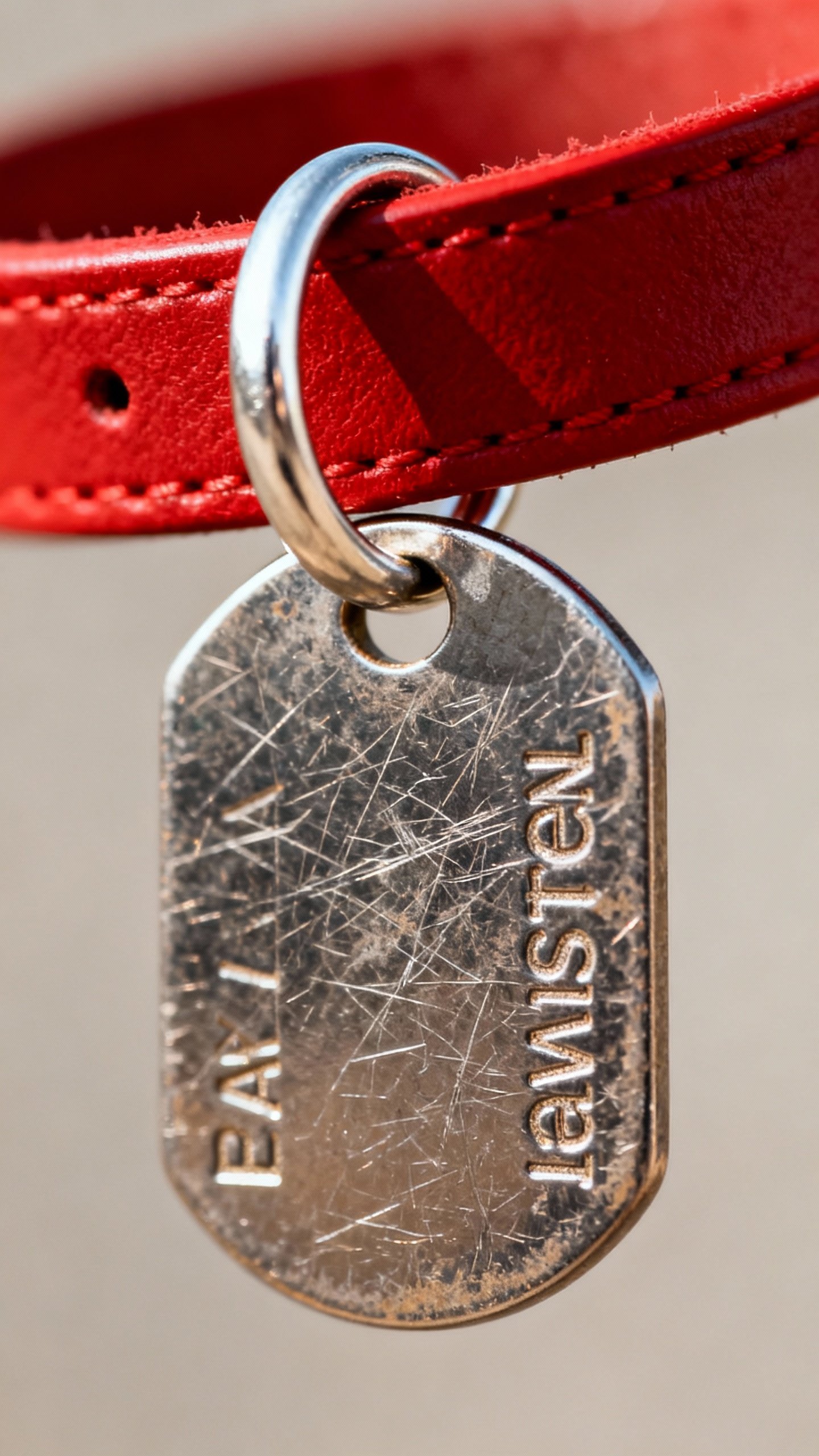
A classic metal tag on a sturdy collar still wins for speed. A neighbor doesn’t own a microchip scanner, but they can read a phone number. Your tag should include:
- Pet’s name
- Your phone number (ideally two numbers)
- City and state (no full address needed)
- “Microchipped” or “Needs meds” if true (motivates quick contact)
Pro tip: Use a silicone or slide-on tag if clinking drives you nuts. And replace worn tags before they fade to “mystery metal.”
2) Microchips: The Permanent Backup
Collars break.
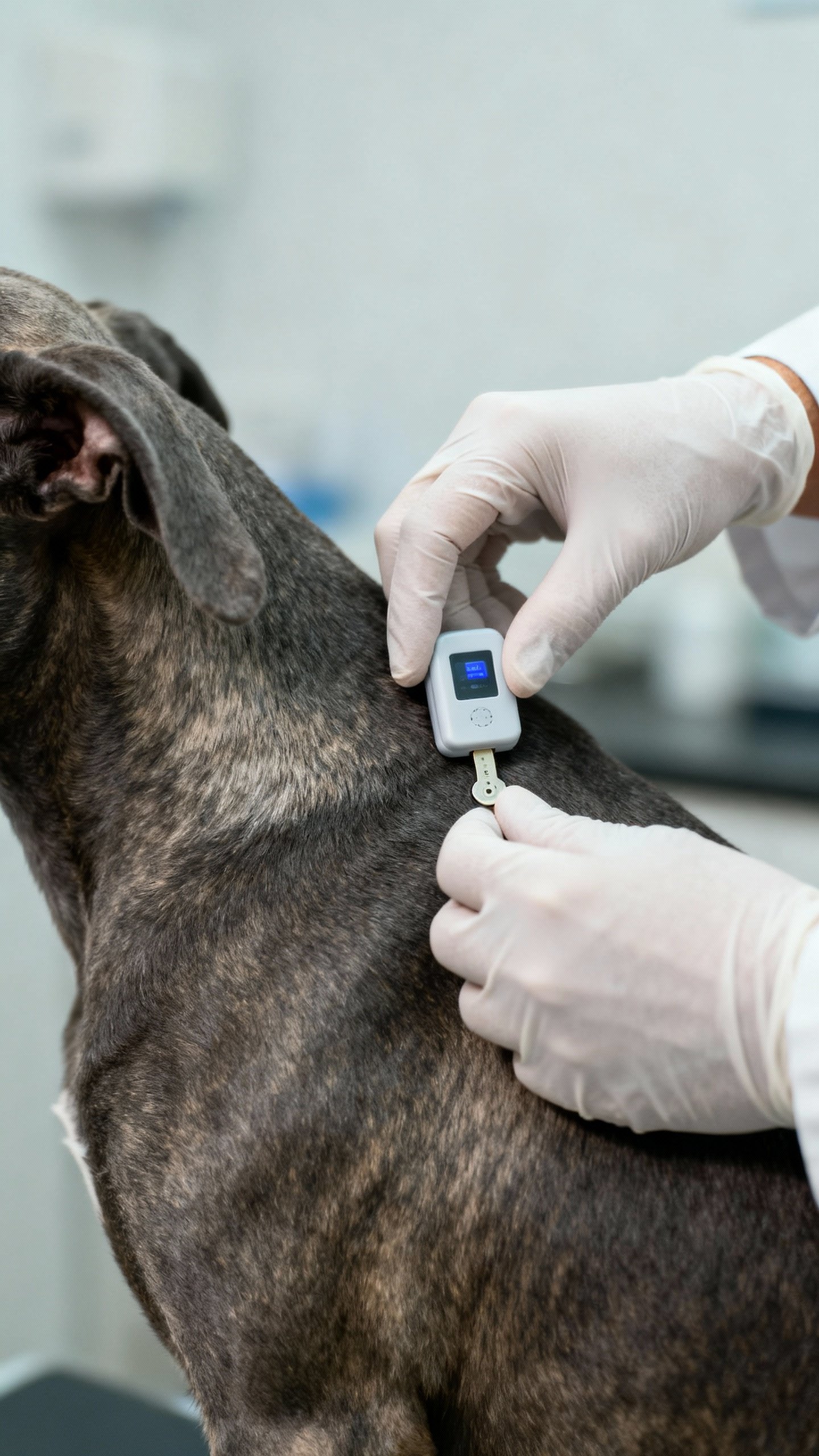
Tags fall off. A microchip sits under the skin (usually between shoulder blades) and links to your contact info when scanned at a vet or shelter. Key facts to remember:
- Microchips don’t track your pet’s location. No GPS.
It’s just an ID number.
- Register the chip and keep your info updated. Unregistered chip = useless.
- Ask your vet for the chip number and registry site. Take a pic and save it.
FYI: If you move or change numbers, update the registry immediately.
Do not procrastinate this one.
3) GPS & Smart Collars: The High-Tech Bonus
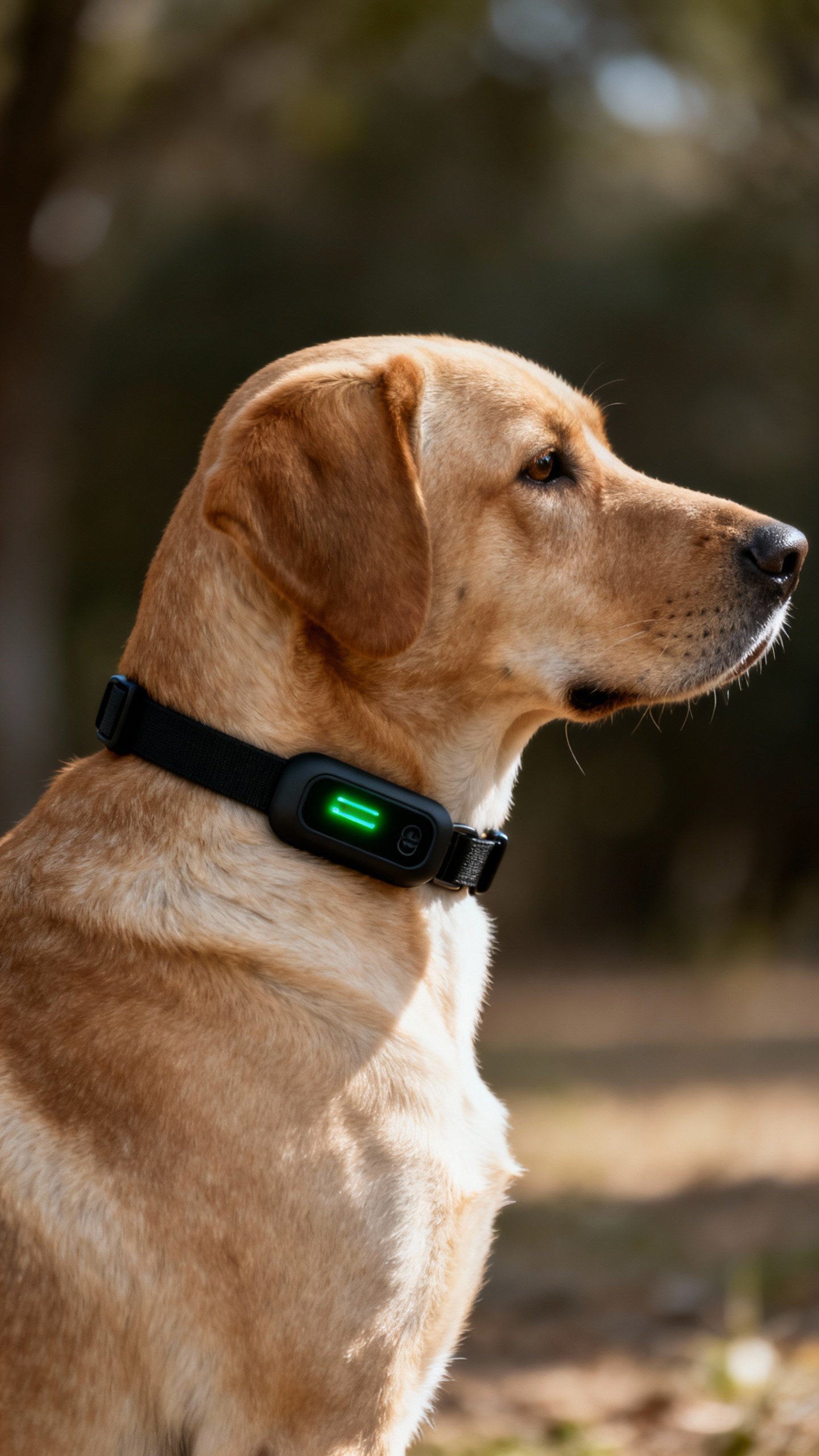
GPS collars or tags let you see your pet’s location in real time. Super clutch for escape artists and hikers. Look for:
- Reliable battery life (at least a few days)
- Solid coverage for your area
- Comfortable, secure fit
They’re not perfect—batteries die and subscriptions cost money—but when you need it, you really need it.
Paperwork That Matters (And How to Keep It Together)
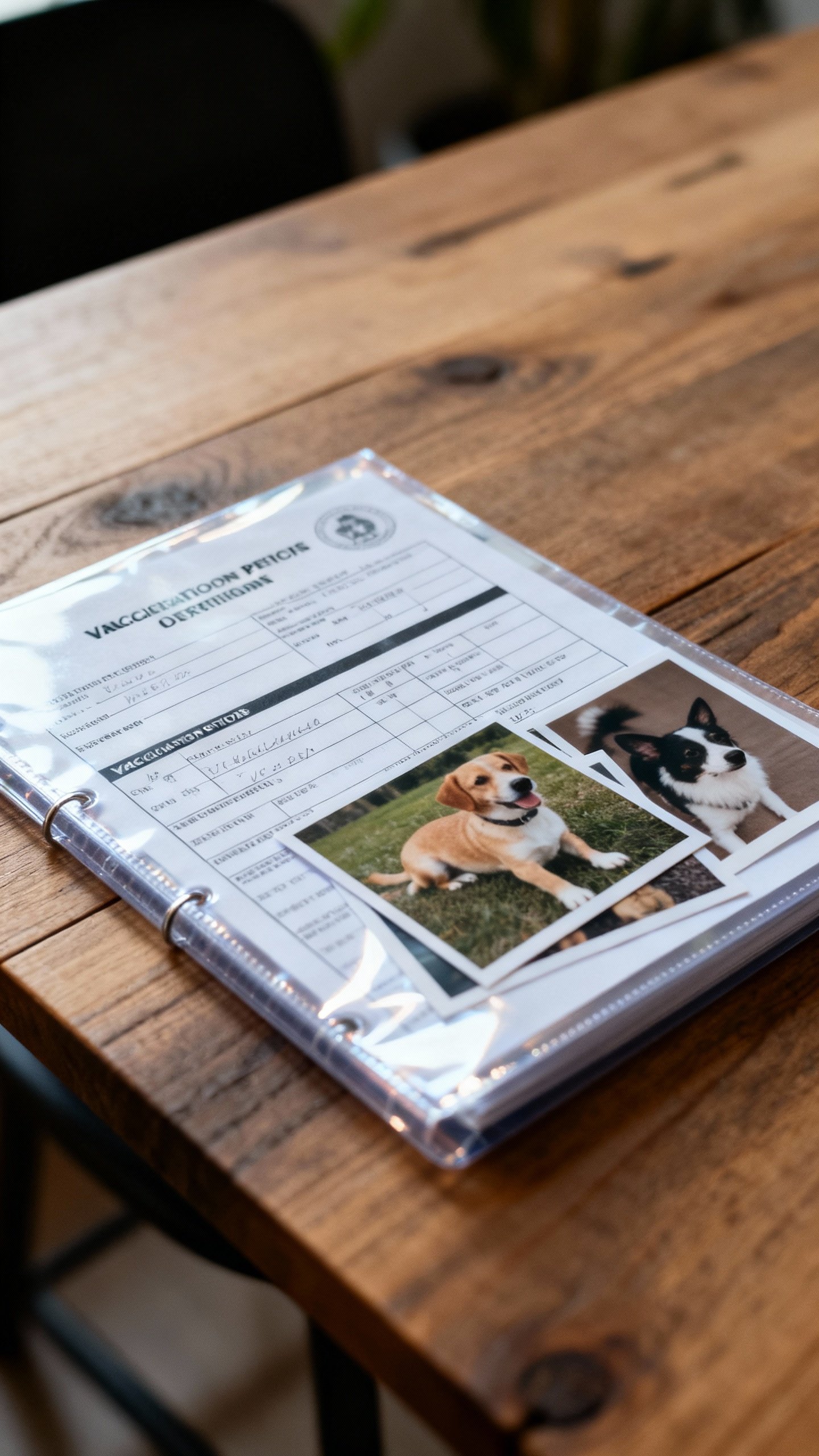
Documentation doesn’t sound sexy, but it solves headaches before they start. Keep a tidy “pet file,” digital and physical. Your core doc kit:
- Recent clear photos (full body, face, unique markings)
- Microchip number and registry login
- Vaccination records (especially rabies)
- Adoption papers or bill of sale (proves ownership)
- Medical info (conditions, allergies, meds, vet contact)
How to store it without creating chaos
- Scan or photograph everything and save to a cloud folder named “Pet_Emergency.”
- Share folder access with family or pet sitters.
- Keep a printed copy in a plastic sleeve with your go-bag or travel crate.
You’ll thank yourself during vet visits, travel, and emergencies.
Promise.
Collars, Harnesses, and Fit: Don’t Let Gear Fail You
If the collar slips off, your well-labeled tag becomes sidewalk jewelry. Fit matters—on dogs and cats. Basic fit checks:
- Dogs: Two-finger rule under collar; for small breeds, one finger.
- Cats: Breakaway collar only. They climb, and safety comes first.
- Harnesses: Snug but not tight; no gaping around shoulders.
Backup ID tricks
- Use an embroidered collar with your phone number.
- Attach an AirTag/SmartTag as a secondary locator for dogs.
Not a replacement for GPS, but useful.
- Write your number inside the collar with a laundry marker. Cheap and effective.
Travel, Moves, and Emergencies: The “Where’s Your Stuff?” Checklist
Life changes. Your pet’s ID should keep up. Before trips or moves, do this:
- Update microchip registry and tags with a reachable number.
- Pack a travel copy of records and extra photos.
- Bring a spare tag and backup leash/collar.
- Label the crate with name + your phone + destination.
If you evacuate for storms or fires, you won’t have time to rummage for documents.
Keep the essentials by the door, IMO.
If Your Pet Goes Missing: Act Fast and Loud
Don’t wait. Don’t “see if they come back.” Move.
- Search immediately around your home and usual routes. Bring treats and a favorite squeaky thing.
- Check hiding spots (garages, bushes, under decks).
Cats especially go silent and close.
- Contact microchip registry to flag the pet as lost and verify your info.
- Call local shelters and vets within a 10–15 mile radius. Give them a photo and chip number.
- Post online: local Facebook groups, Nextdoor, and lost-pet sites. Use clear photos and a simple description.
- Put up flyers at eye level with bold text: photo, phone, “DO NOT CHASE.”
- Set a humane trap for skittish cats with a strong-smelling food if advised by local rescue.
And keep walking the area at dawn and dusk.
Many pets circle back when it’s quiet.
Common Mistakes (And How to Avoid Them)
We’ve all been there. Learn from other people’s oops.
- Unregistered microchip: Register it the same day you implant it.
- Old phone number on tags: Replace tags after any number change.
- No recent photos: Take new pics every few months or after grooming.
- Loose collars: Re-check fit monthly. Pets change weight like the rest of us.
- Assuming “indoor-only” equals safe: Fireworks and open windows say otherwise.
FAQ
Do microchips track my pet like GPS?
Nope.
A microchip stores an ID number that shelters and vets can scan. It links to your contact info in a database. If you want real-time location, you need a GPS collar or tag.
Which microchip registry should I use?
Register with the brand’s primary registry and also list your chip in a universal lookup database if available in your country.
Many shelters use universal lookup tools that search multiple registries, so wider coverage helps. FYI, your vet can point you to the correct site for your chip number.
What should I put on my pet’s ID tag?
Keep it simple and useful: pet name, your phone number (two numbers if possible), city/state, and “Microchipped.” If your pet needs daily meds, add “Needs meds” to prompt faster contact.
My cat is indoor-only. Do they still need a collar and tag?
Yes.
Indoor cats slip past doors, jump from balconies, and hide in moving boxes like tiny magicians. Use a breakaway collar with a tag and keep the microchip registered. It’s cheap insurance.
How often should I update my pet’s documents?
Any time your contact info changes, update tags and the microchip registry immediately.
Refresh photos a few times a year, and add new medical records after vet visits. It takes minutes and saves hours later.
Are AirTags or similar trackers enough on their own?
They help, but they’re not designed for pet tracking as the only tool. Use them as a secondary locator for dogs, not a replacement for microchips or dedicated GPS.
They rely on nearby devices, which can be hit-or-miss.
Wrapping It Up
Pet identification isn’t complicated—you just stack a few smart layers and keep your info current. Use a solid collar and tag for instant contact, a microchip for permanent backup, and GPS or trackers if your pet likes “adventures.” Keep your docs tidy, your photos fresh, and your phone number consistent across everything. Do that, and you’ll turn a potential nightmare into a quick, happy reunion.
IMO, that’s the best kind of peace of mind.
Related Posts